


 Пояснение:
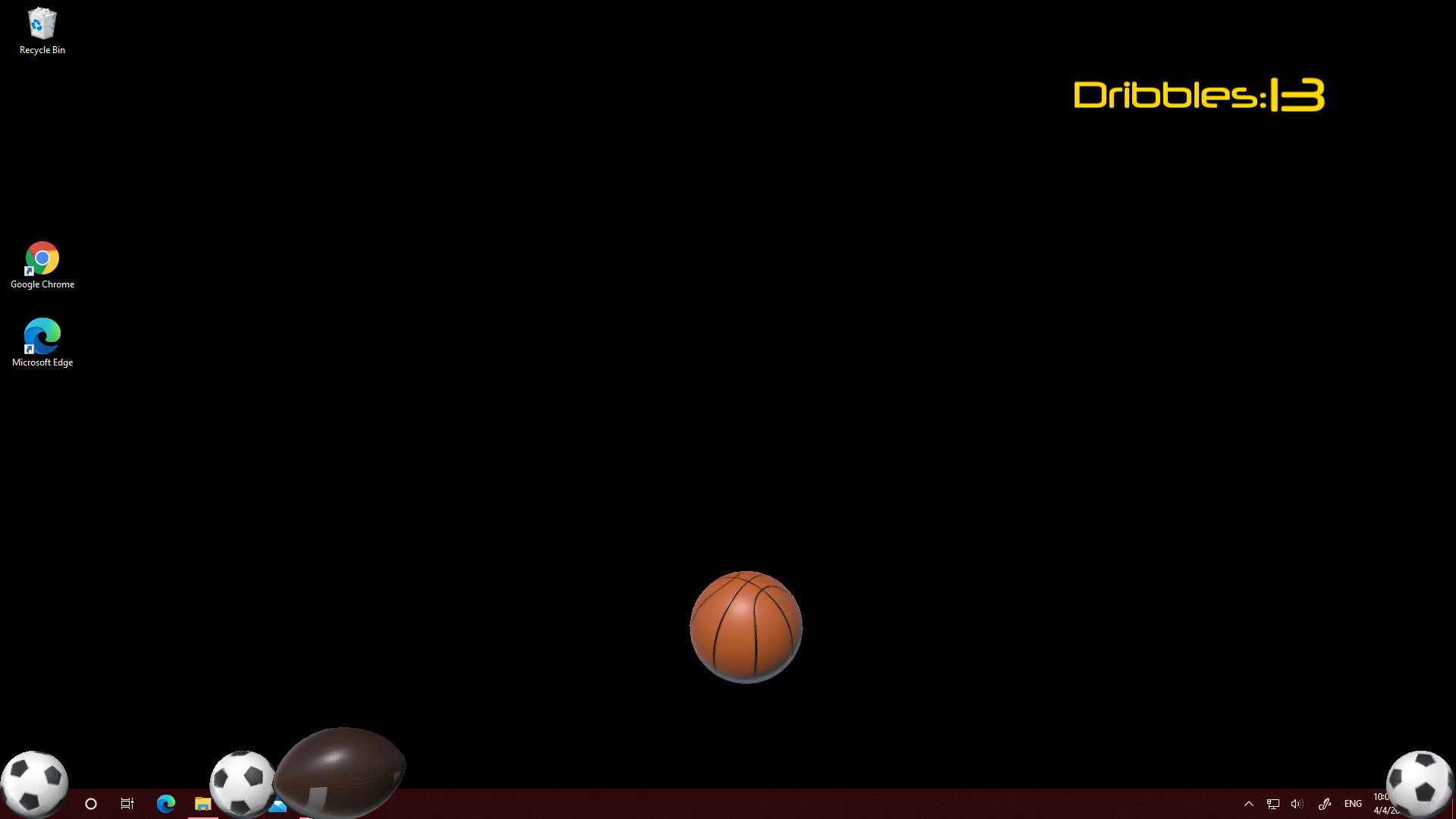
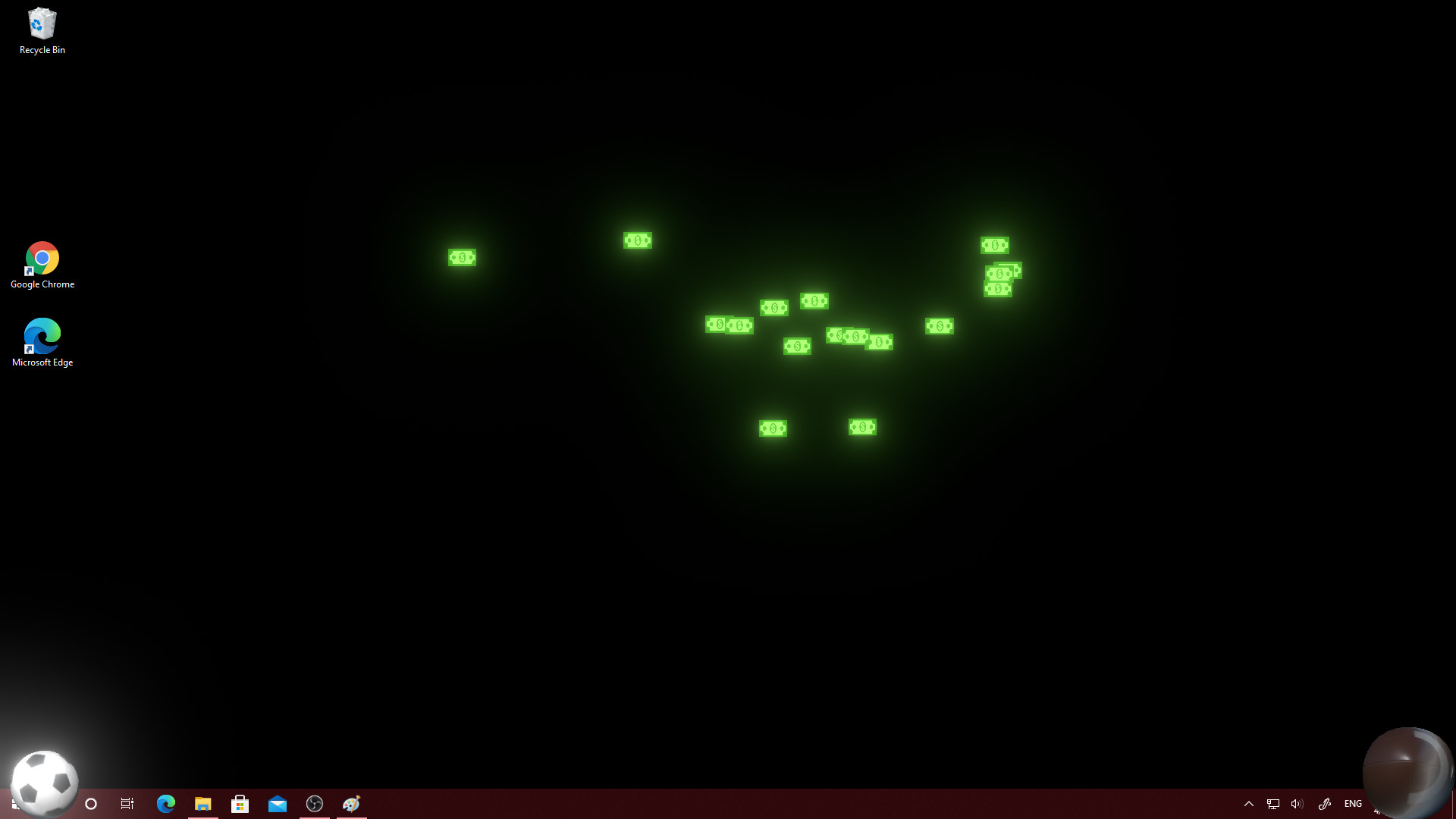
If you are looking for a mini game that will make your boredom moments more pleasant or relieve stress and additionally beautify the appearance of the system, you've come to the right place! This game is for you!main Features:- Add any kind of balls - you can throw them on the screen at will.- F..






Средний балл
0Комментарий
ОТСУТСТВИЕ КОММЕНТАРИИ ×
Пока не комментировали. Хотели бы вы сделать первый комментарий?If you are looking for a mini game that will make your boredom moments more pleasant or relieve stress and additionally beautify the appearance of the system, you've come to the right place! This game is for you!
main Features:
- Add any kind of balls - you can throw them on the screen at will.
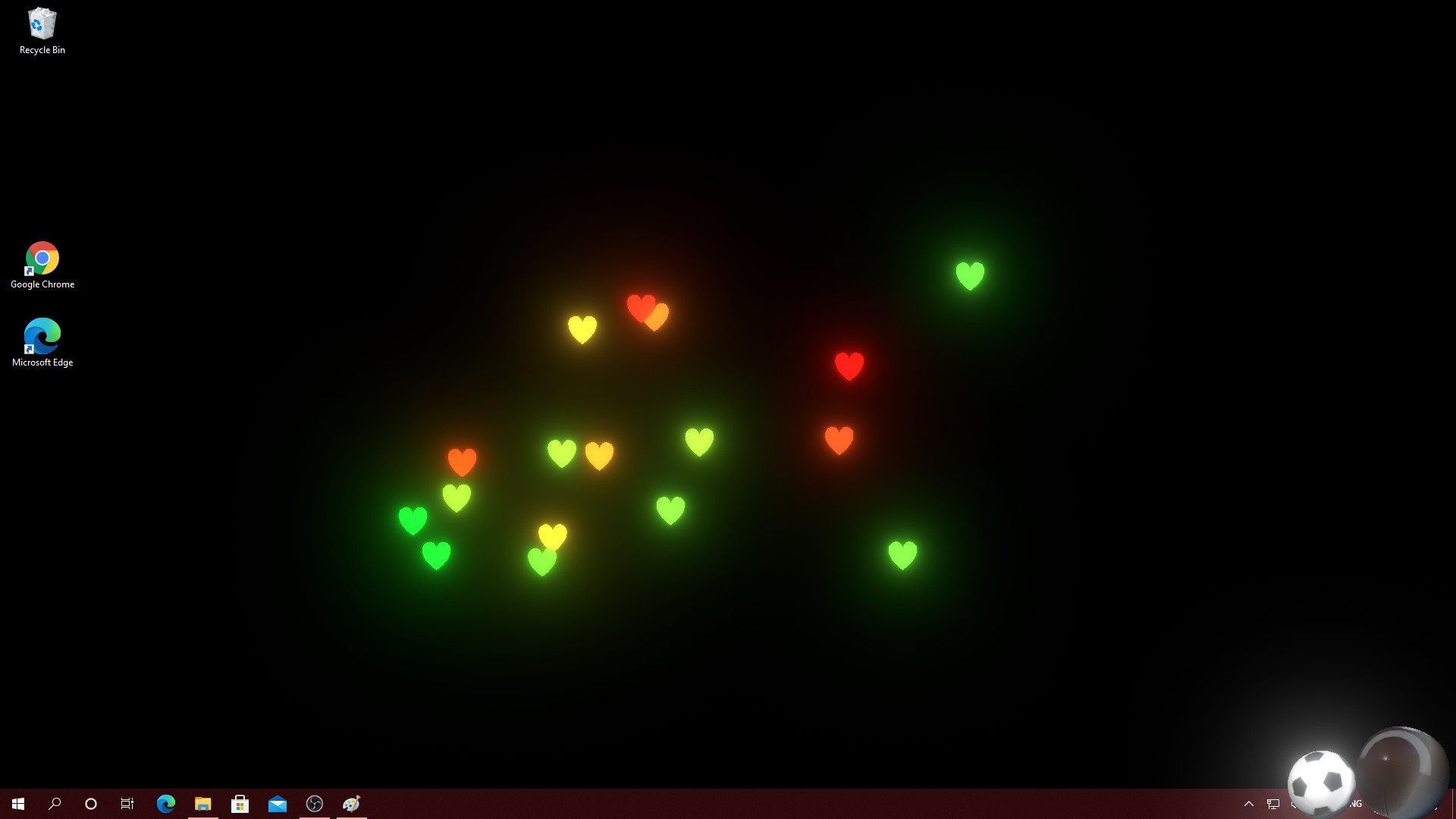
- For the best effect and appearance of the mouse tails, it is best to change the system and application theme to dark- the particle system used in the game and the display system above the windows is best visible on dark surfaces (light background makes them less visible) !!
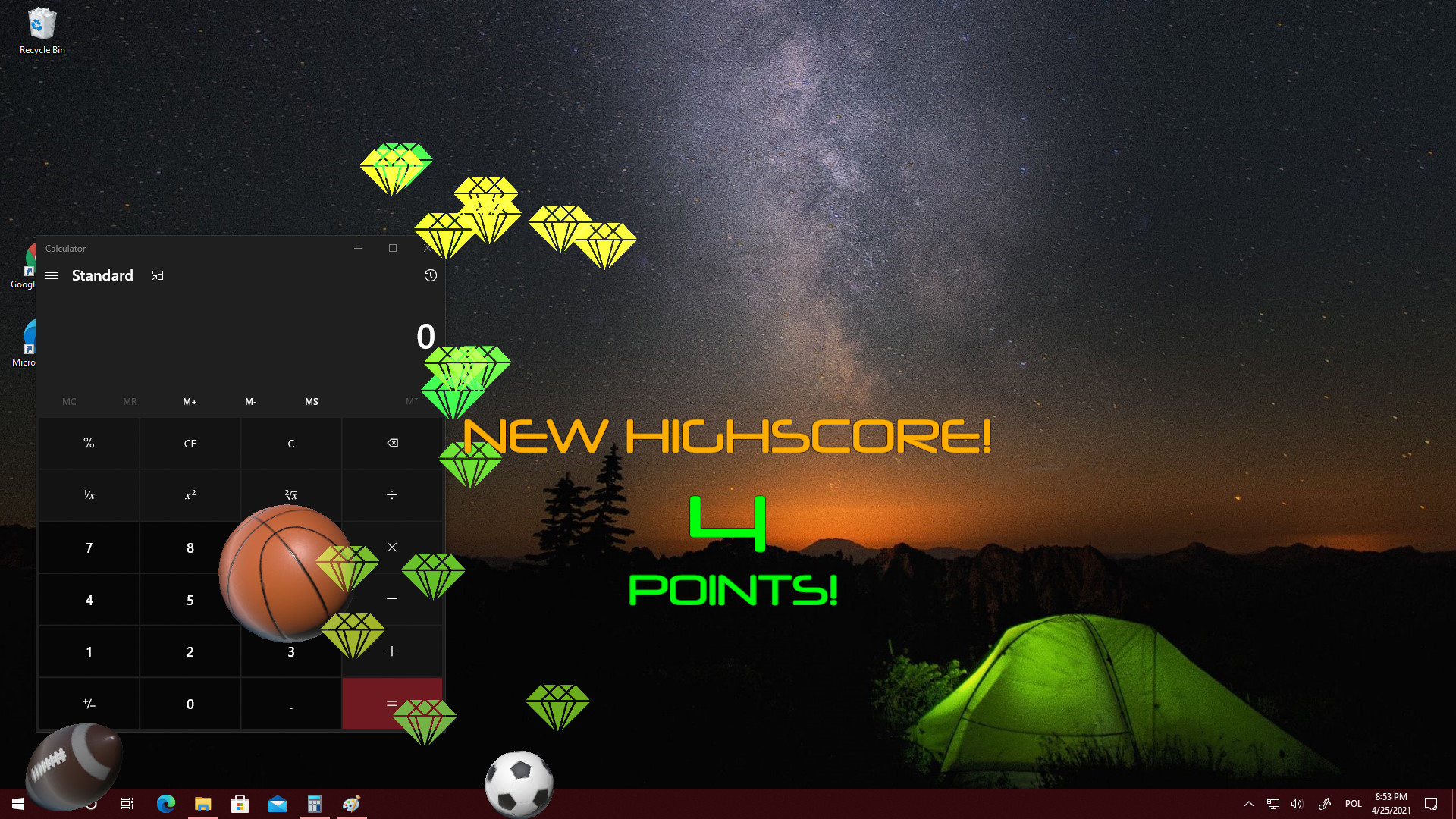
- Get more and more points for hitting or dribbling balls - you have to check for yourself which ball you get points for dribbling and which for hitting (some do not add points)
- Automatic game mode - when you use the game or application in full screen, the game will automatically pause so that you can enjoy the full performance of the computer with the current task (optional)
- Autostart with Windows - the game will be automatically turned on at system startup (optional)
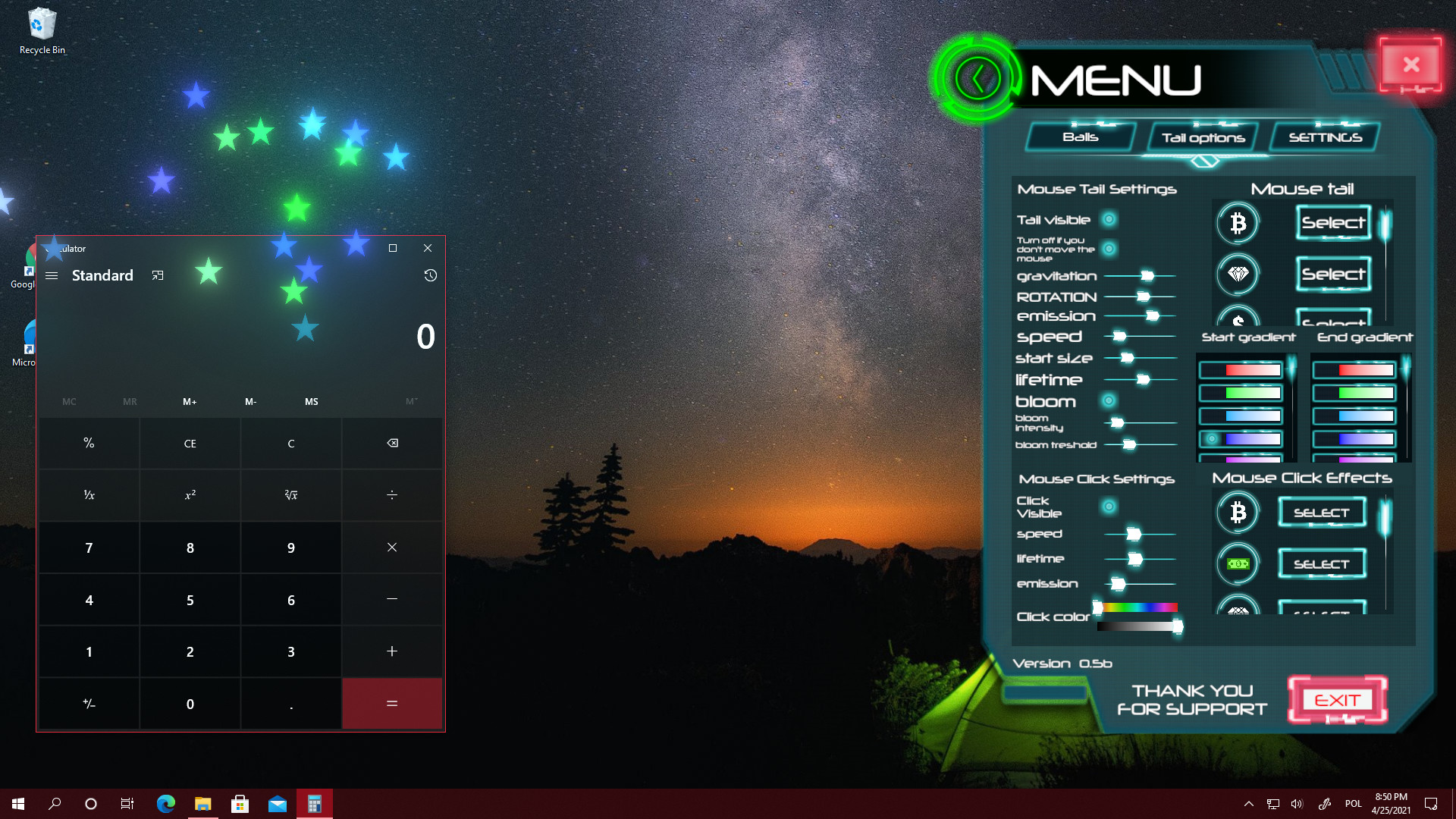
- Change the appearance of the tail that comes straight from your mouse cursor - PIMP your Windows.
- Don't worry about CPU usage - the game is well optimized.
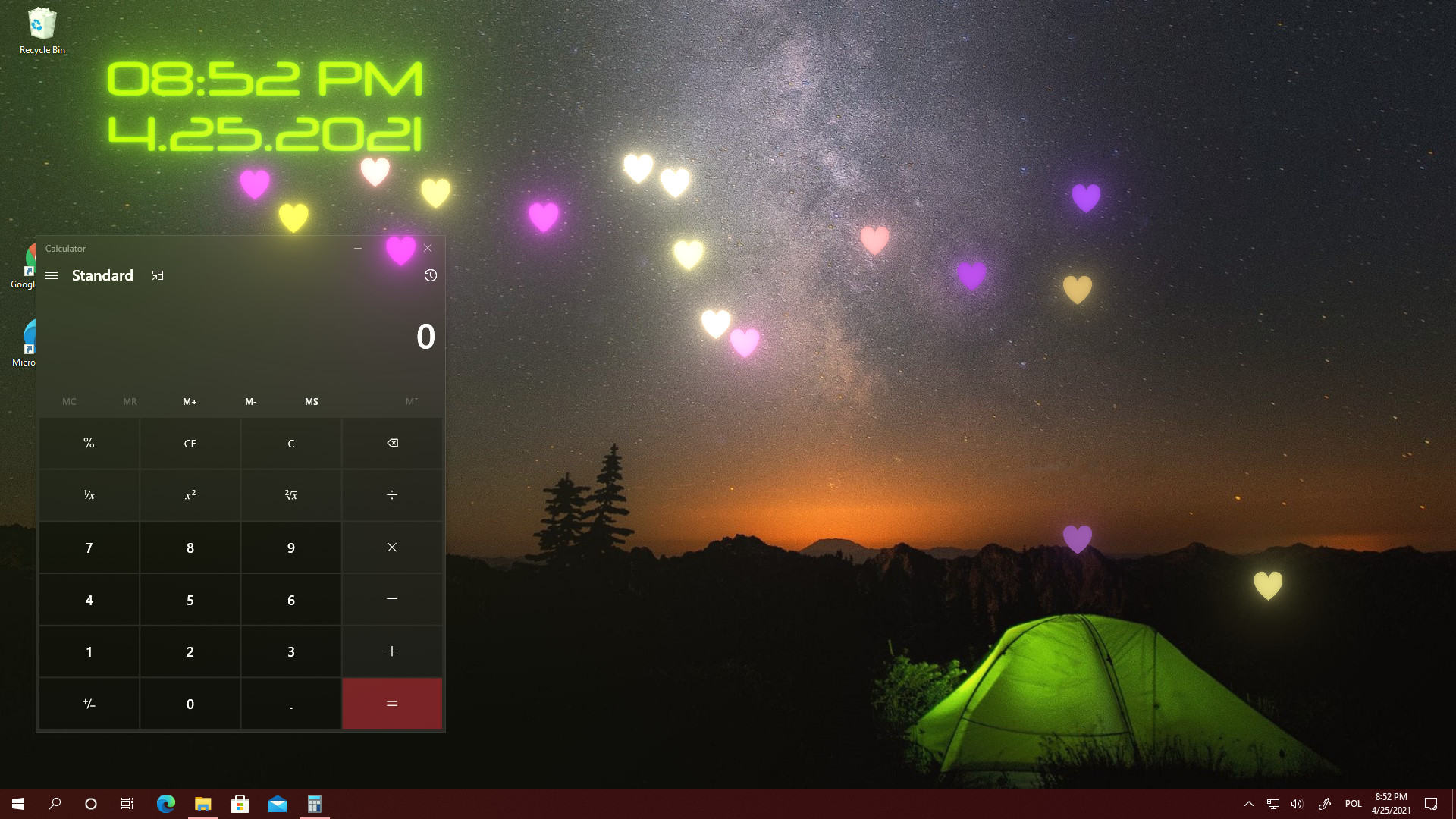
- Add an additional clock - it is displayed above all windows so you always know what time it is, you can change its font, color, size and position on the screen.
This is my first mini-game and my first Steam project - please be understanding. I hope it will make your time pleasant and add some freshness to your computer.
yours Sincerely,
anretandev