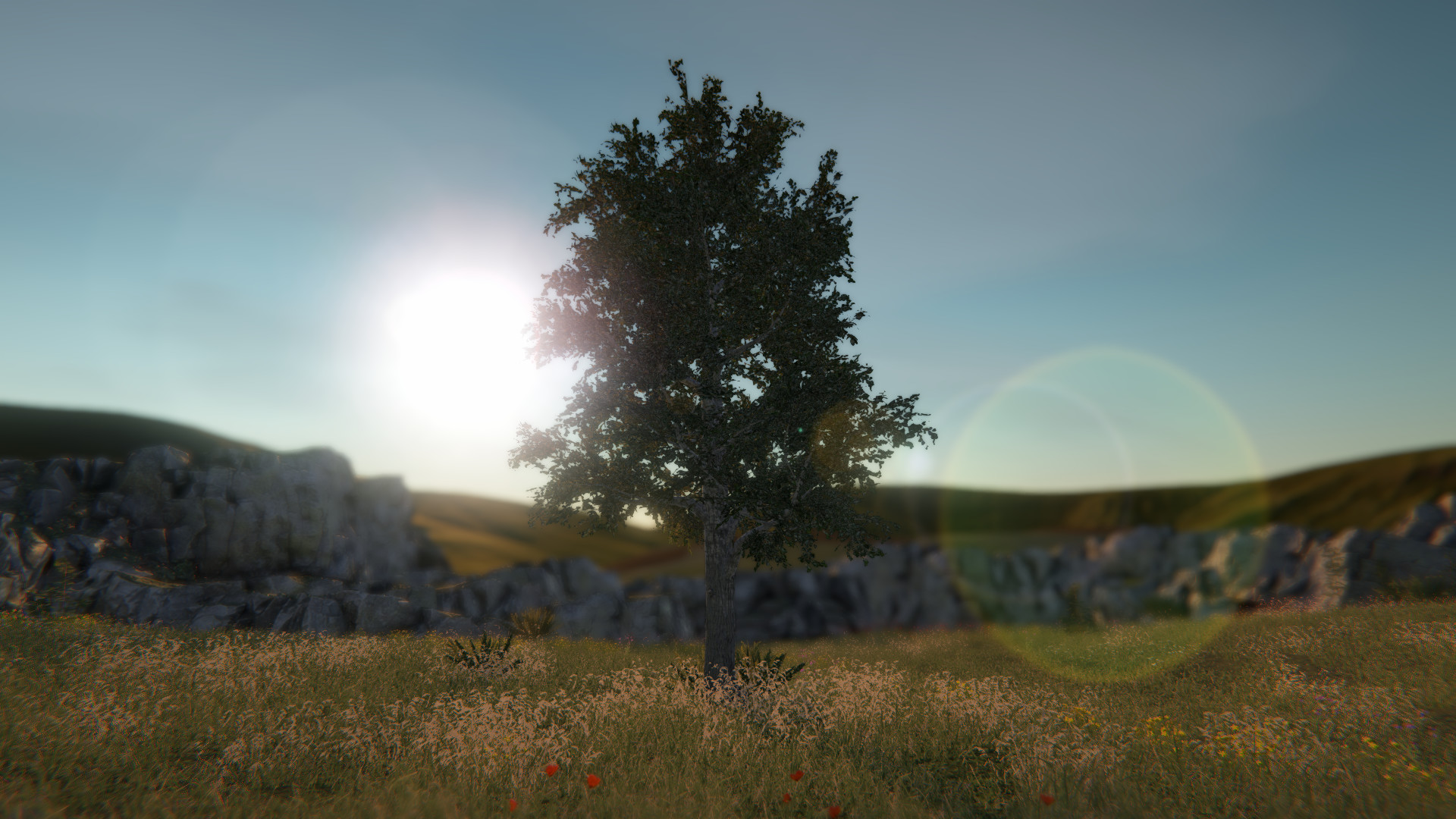
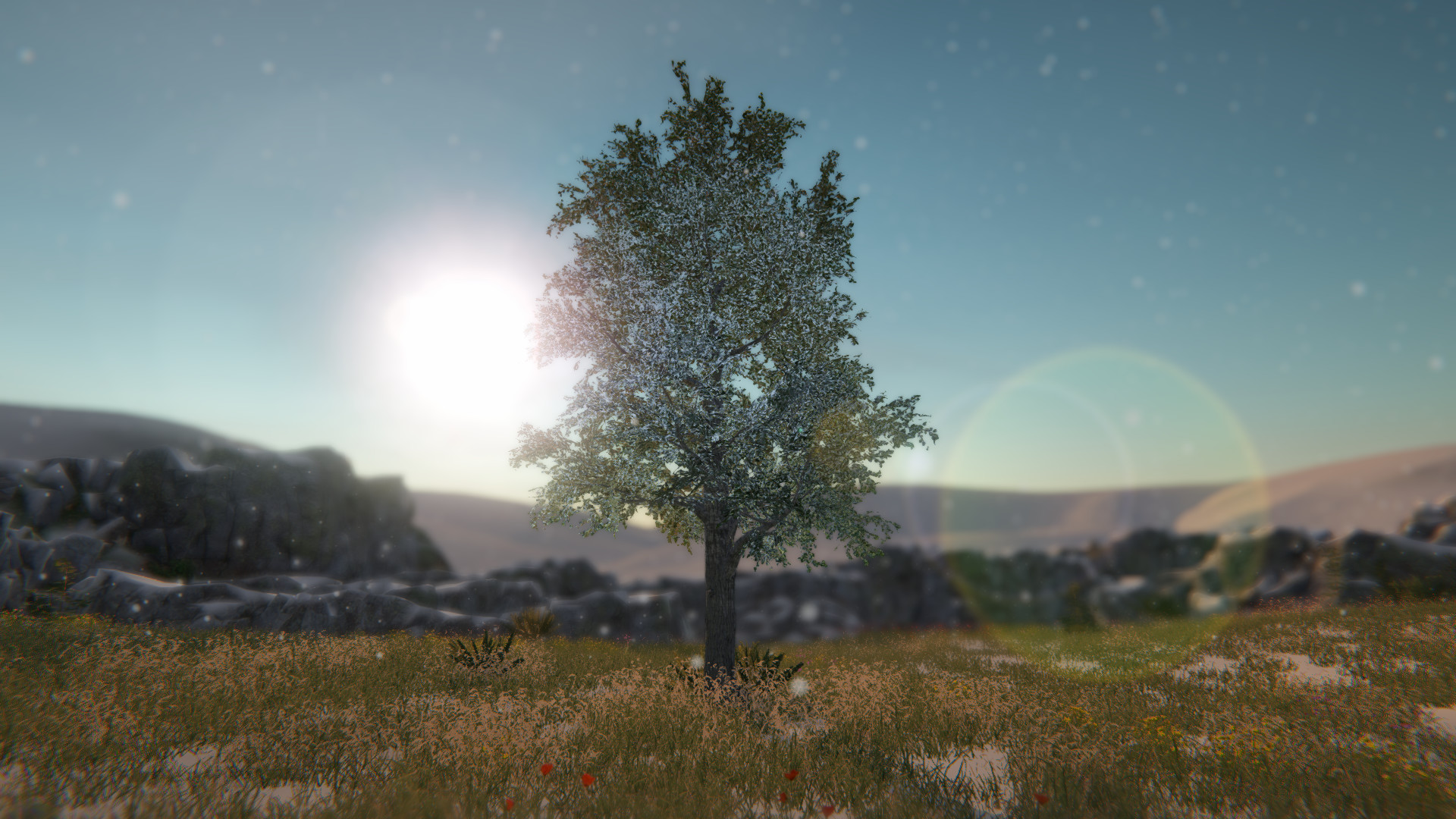
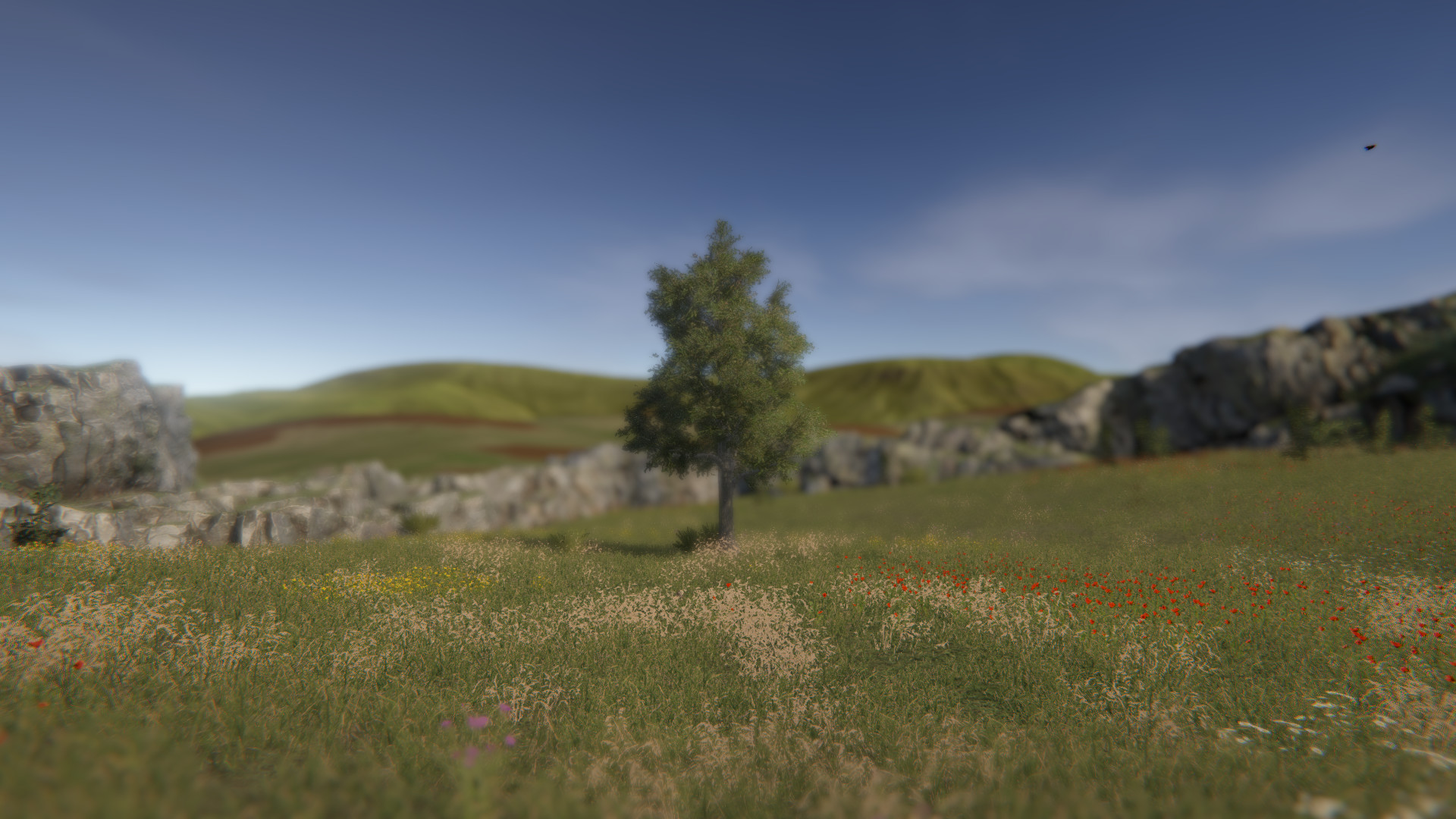
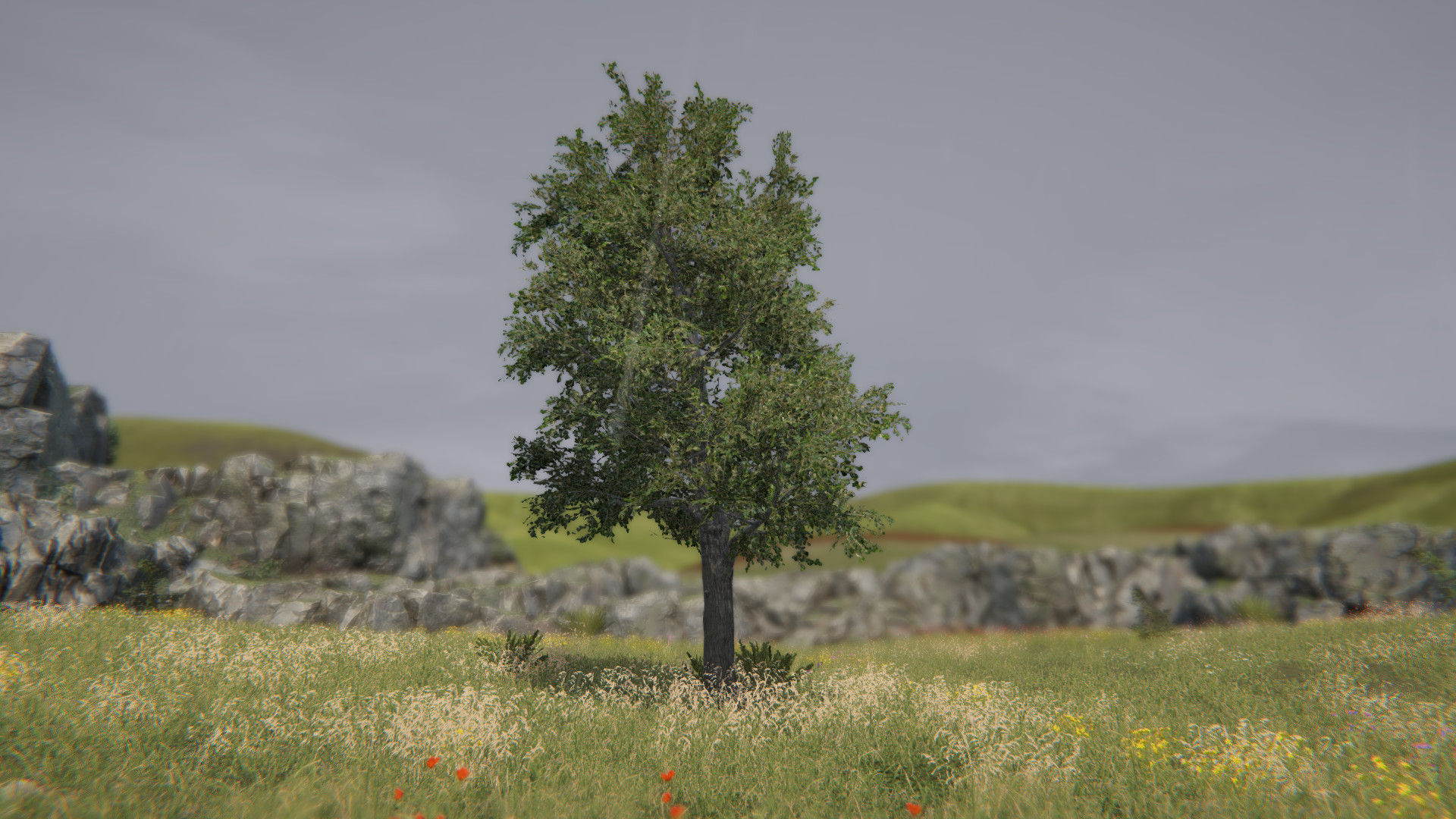
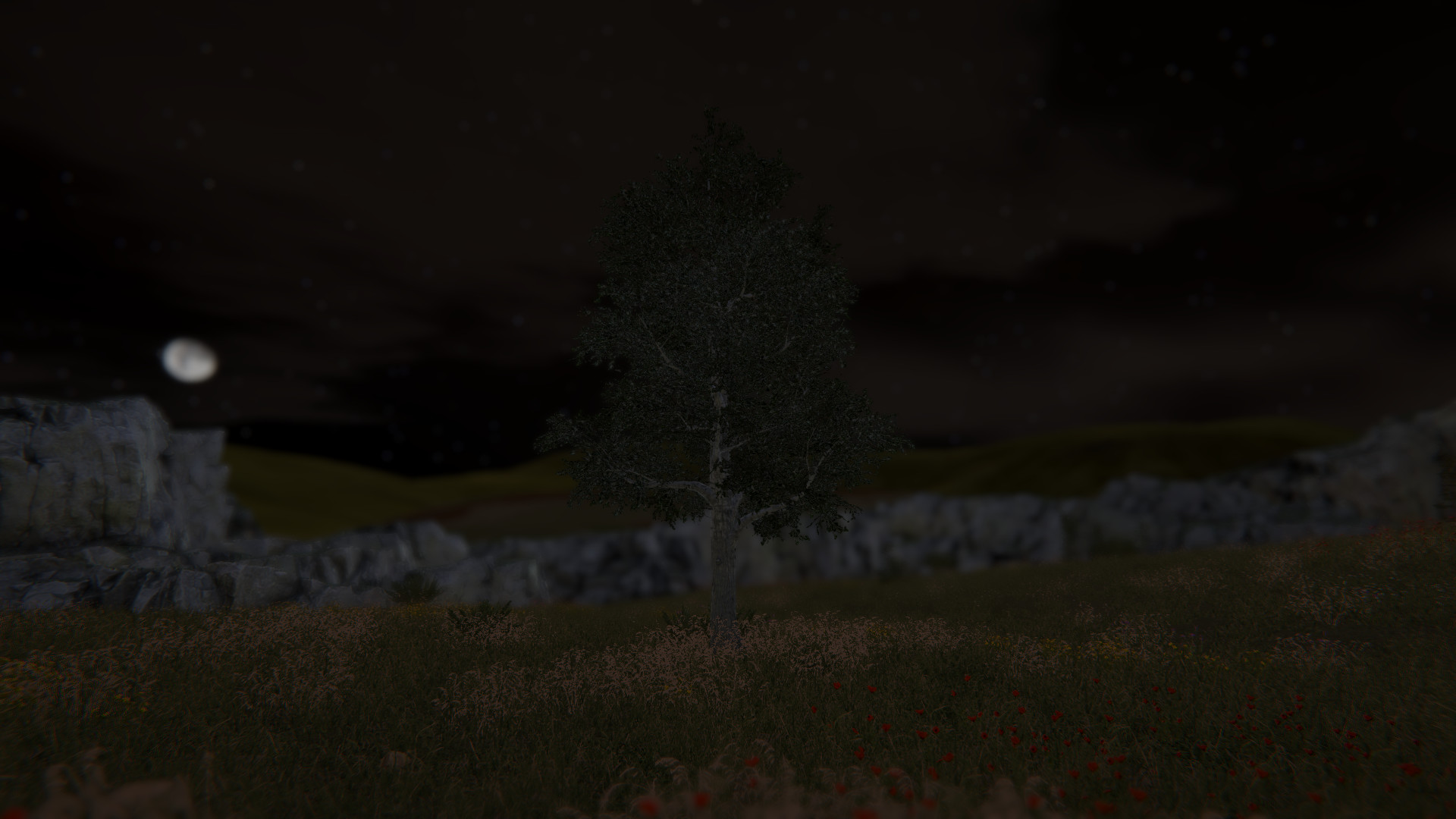
Tree! You're a tree! Be the best tree you can be. Embrace the forest and discover what it means to truly be a tree. A true work of art.Enjoy customizable settings and more (what could that mean?)!Now with multiplayer!Be the best forest you can be! Invite up to 100 of your closest trees to join y..
Tree! You're a tree! Be the best tree you can be. Embrace the forest and discover what it means to truly be a tree. A true work of art.
Enjoy customizable settings and more (what could that mean?)!
Be the best forest you can be! Invite up to 100 of your closest trees to join your forest.
For transparency, multiplayer is tested with 4 trees, but it should support up to 100.
Trees 5 and 6 are rocks. Trees 1-4 and 7-100 are normal trees.
There is no built in text or voice chat. It is recommended that Discord or Steam chat be used.
Note: "Invite to game" and "Join game" from the Steam overlay will only work after a host tree clicks "Invite trees" from the in game menu.
A D: Rotate view
W S: Zoom
Escape: Menu / Settings
KLASGAME olarak güvenli, hızlı ve kolay ödeme yöntemleriyle kullanıcılarımıza E-pin, oyun içi ürünler, ilan işlemlerinde aracılık, yayıncılar için bağış hizmetleri sunmaktayız. Tecrübeli, azimli ve çözüm odaklı operasyon ve destek ekibimiz sayesinde kullanıcılarımıza 7/24 canlı destek sağlamakta ve distribütörlüğünü yaptığımız birçok ürünün satış hizmetini vermekteyiz. Misyonumuz; kullanıcılarımıza oyun içi ürünler, e-pin ve ilan ürünlerini en hızlı ve en iyi fiyat garantisi ile sunmak, müşterilerimize aldıkları ürünün satış öncesi ve sonrası sağladığımız destek ile en yüksek kalitede hizmet sağlamaktır.
Наш почтовый адрес :
destek@klasgame.com
Наш номер телефона :