


 Explanation :
Cubeetle – Game of CreationDo you have ever dream to build your video games, but don’t know how to code? If so, then we have a tool specially designed for you to make video games of your dream. It is fully loaded with hundreds of features that won’t only grant you access to endless possibilities, bu..






Average Point
0Comment
NO COMMENT TO SHOW ×
Not commented yet.Would you like to make the first comment?Cubeetle – Game of Creation
Do you have ever dream to build your video games, but don’t know how to code? If so, then we have a tool specially designed for you to make video games of your dream. It is fully loaded with hundreds of features that won’t only grant you access to endless possibilities, but also let you drag and drop characters, enemies, environment, etc. without using a single coding word. Now, it seems the days have gone when you enjoyed playing video games, and the days have come when you build your video games. You can play games created by others or share your creations with others (soon).
Introduction of Cubeetle
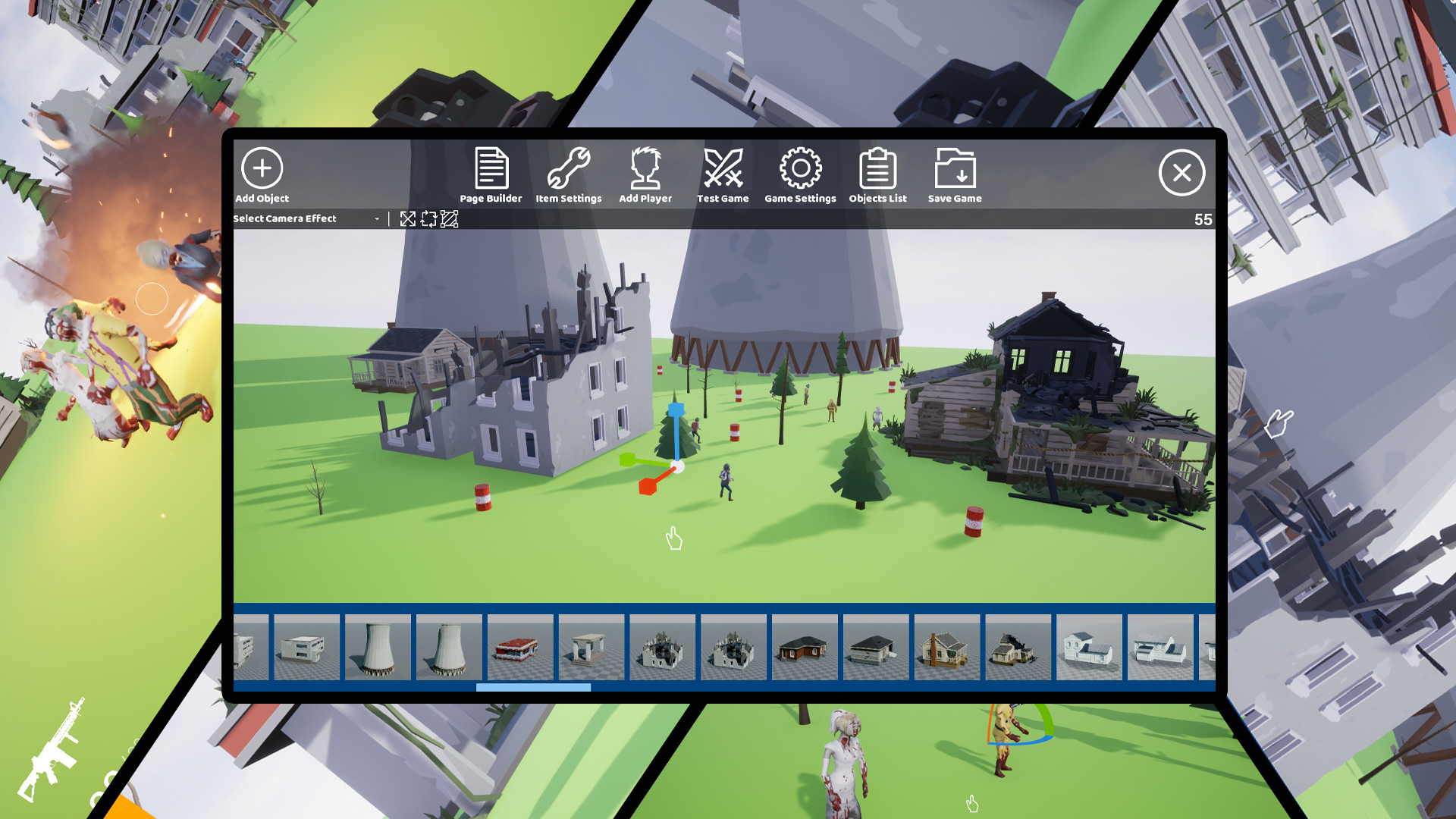
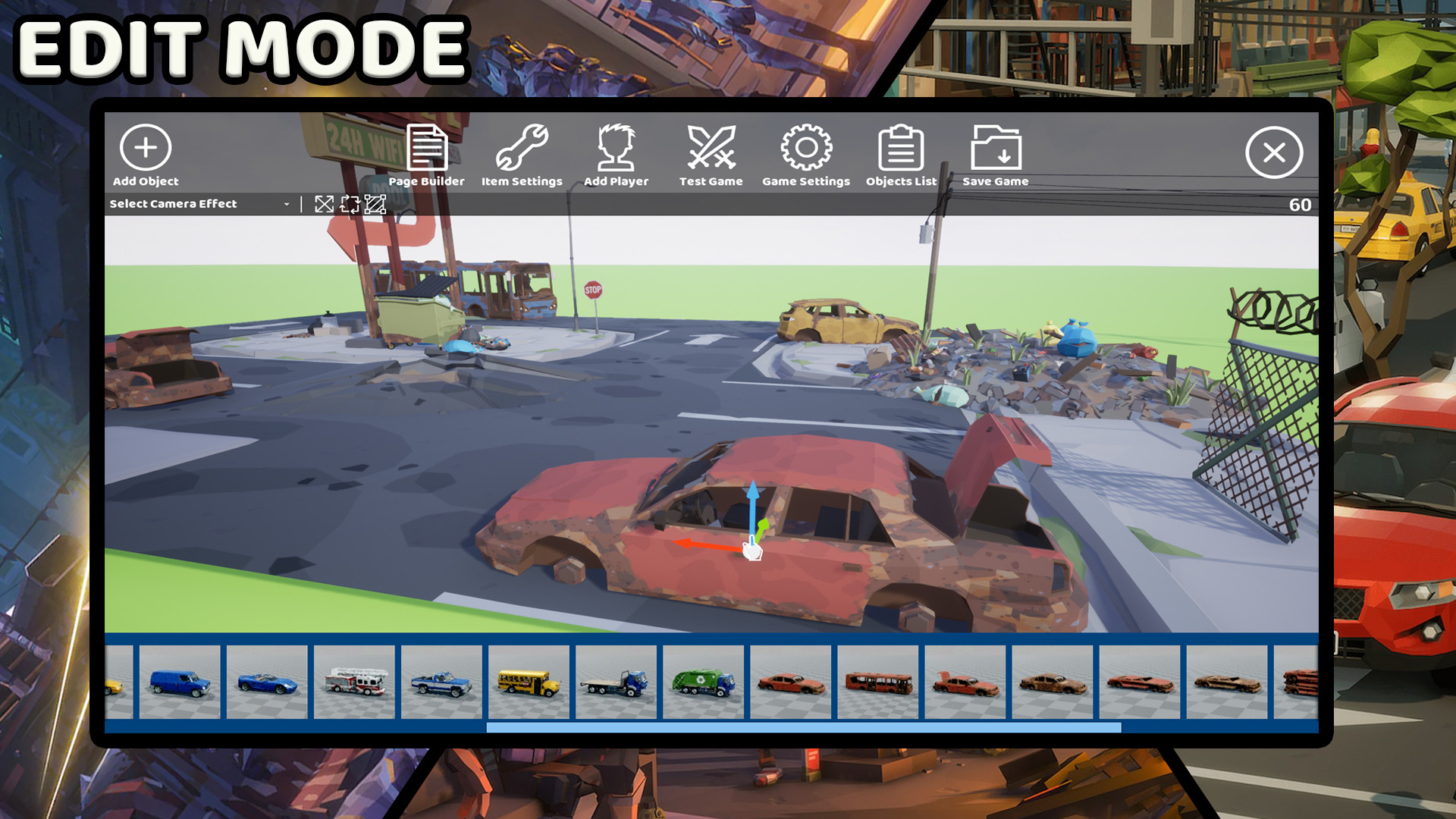
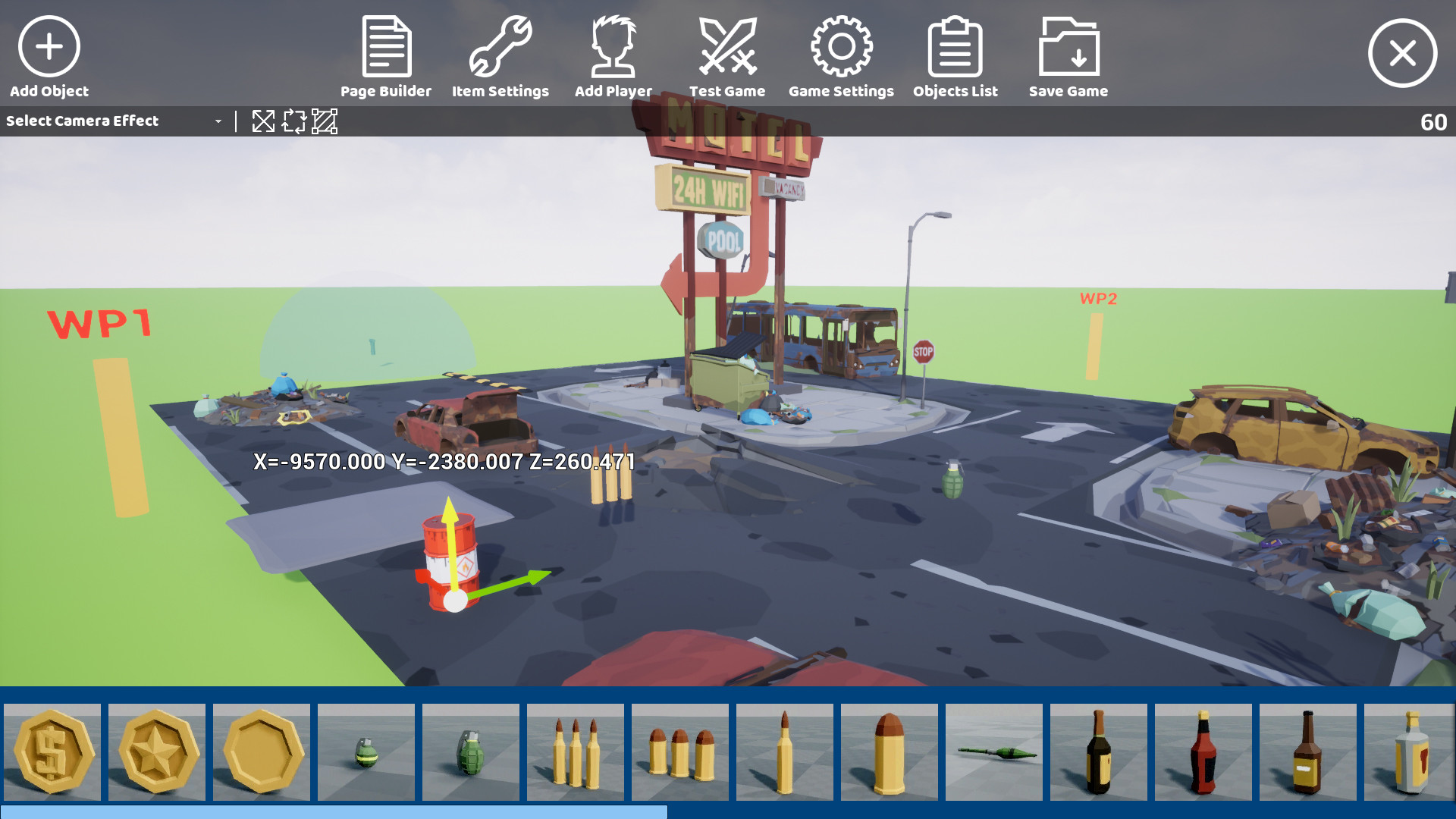
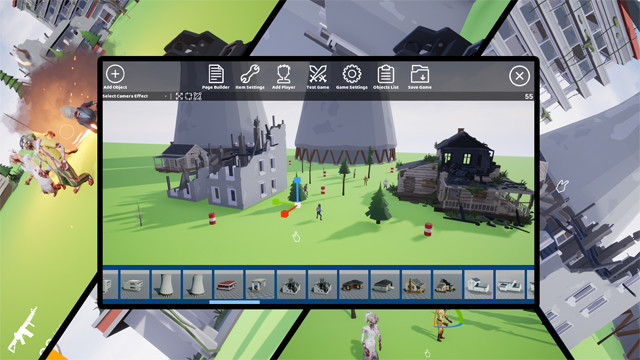
Cubeetle is a video Game Creation tool that allows you to make your games within a few clicks. You don’t need to learn coding before using it – the thing you need is to drag and drop models, effects, triggers, and many other objects you want to see on the plain map. In short, if we say that Cubeetle is designed for kids won’t be wrong. Let me clear this that you aren’t only supposed to make video games using Cubeetle, but you can also enjoy playing games created by others (soon). The most prominent features are the following:
•Drag & Drop 3D Models
•Friendly User-interface
•Hundreds of 3D Models
•Dozens of Characters
•Dozens of Effects
•Dozens of Sound Effects
•Enemies
•Immersive Background Music
How to use Cubeetle – A Game Creation Tool
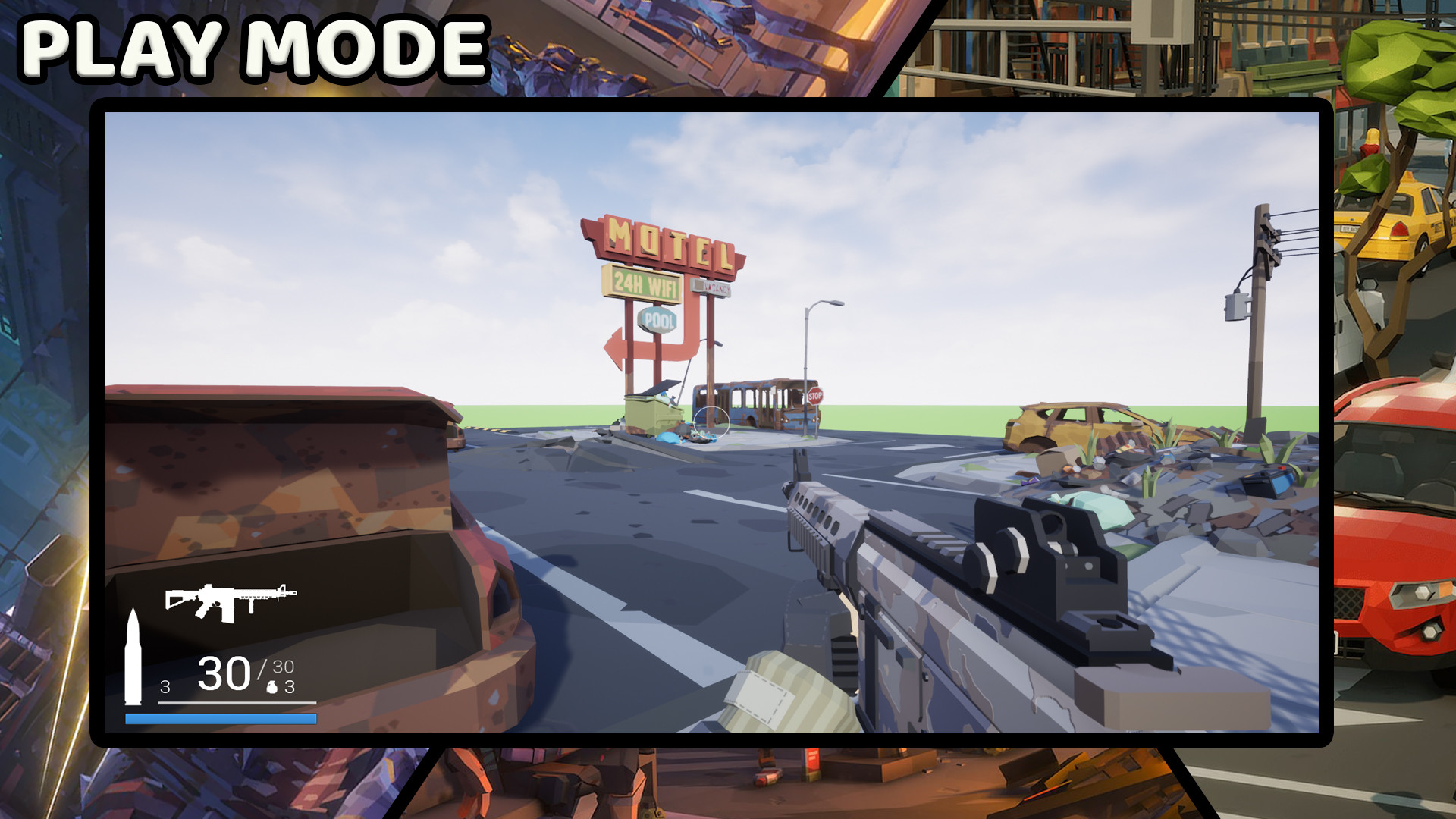
Firstly, download the game and run it on your PC. Next to that, it’s on you whether to choose “Create Game” or “Play Game.” If you click on the Play Game button, you will be able to play the games you have created and soon also the games that others have created, but if you tap on Create a Game button, then the game takes you to an editor mode. Besides that, you can connect your Facebook account with Cubeetle to share your creation and progress with friends to impress them.
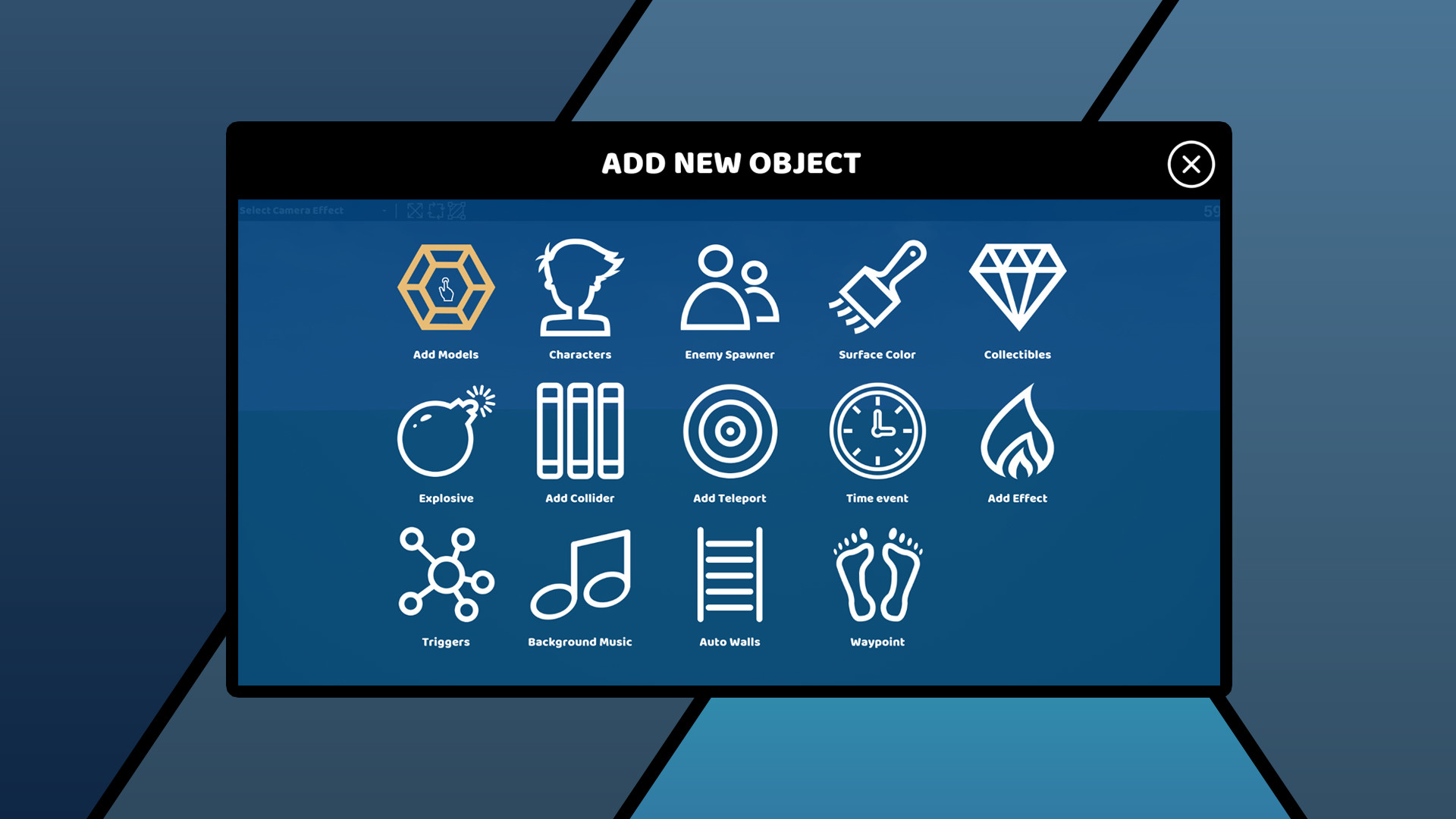
Types of Objects
•Add Models
•Enemies
•Auto Walls
•Surface Color
•Collectibles
•Explosive
•Add Collider
•Add Teleport
•Time Event
•Add Effect
•Triggers
•Background Music
You don’t need to do any coding, just think and select, the chosen object will be added to your created scene with animations. Each object holds dozens of other sub-categories that make it fabulous to everyone who loves to make their games.
The game is updated regularly every week.