


Es wurden noch keine Artikel in Ihren Warenkorb gelegt.


 Kommentar:
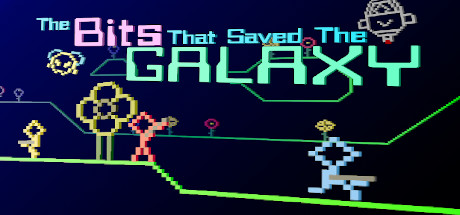
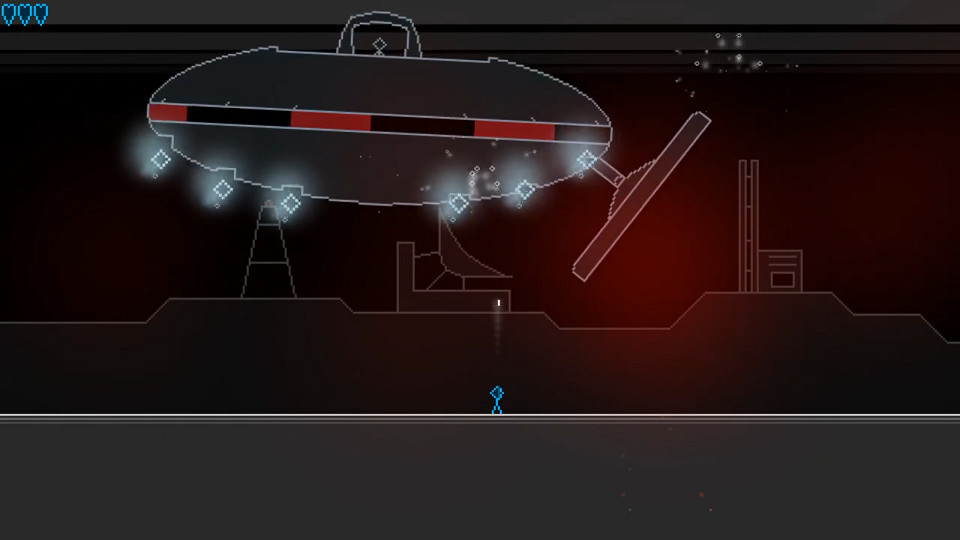
Once upon a time...In a galaxy not far from our own...The Bits That Saved the Galaxy is a four player co-op platform shooter in the same vein as games like Contra, but utilizing lo-fi graphics and visual effects. You can also choose your own path through the game by selecting different planets leadi..

Durchschnittliche Note
0Gebe ein Kommentar ab.
ES KONNTE KEIN KOMMENTAR AUFGELISTET WERDEN ×
Es wurde noch kein Kommentar hinzugefügt, möchten Sie der erste sein?Once upon a time...
In a galaxy not far from our own...
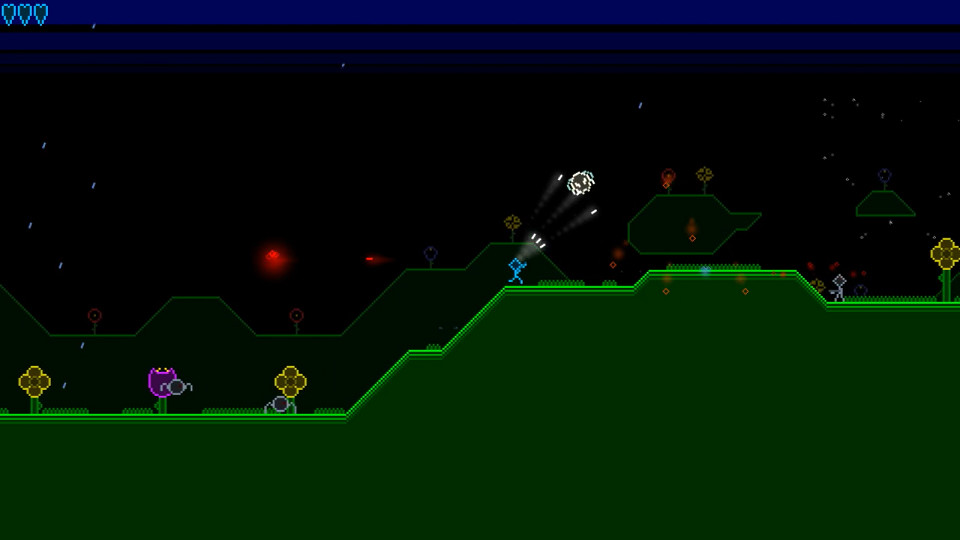
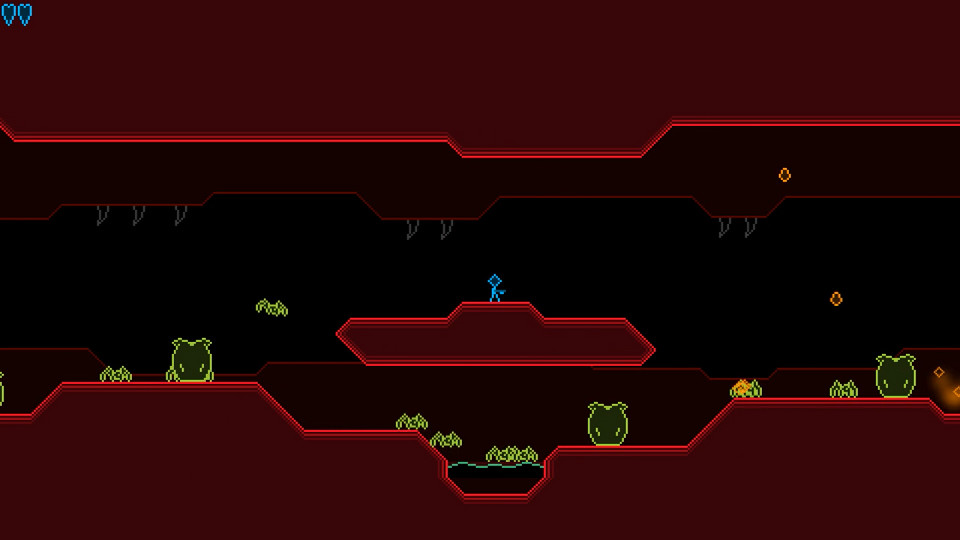
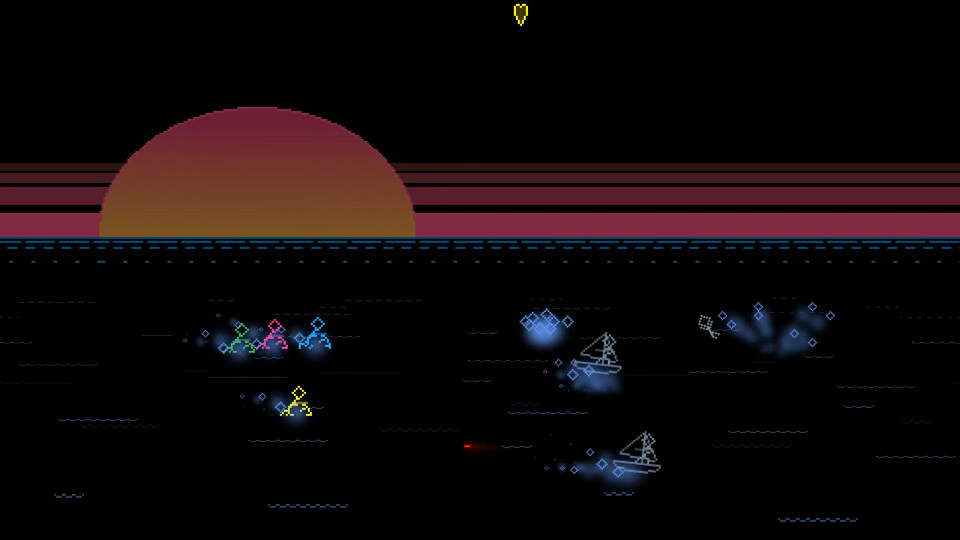
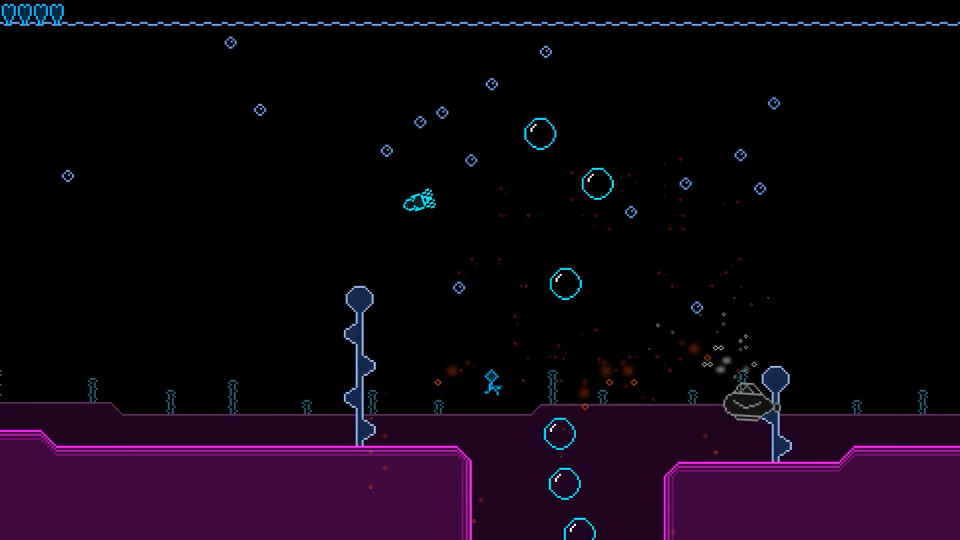
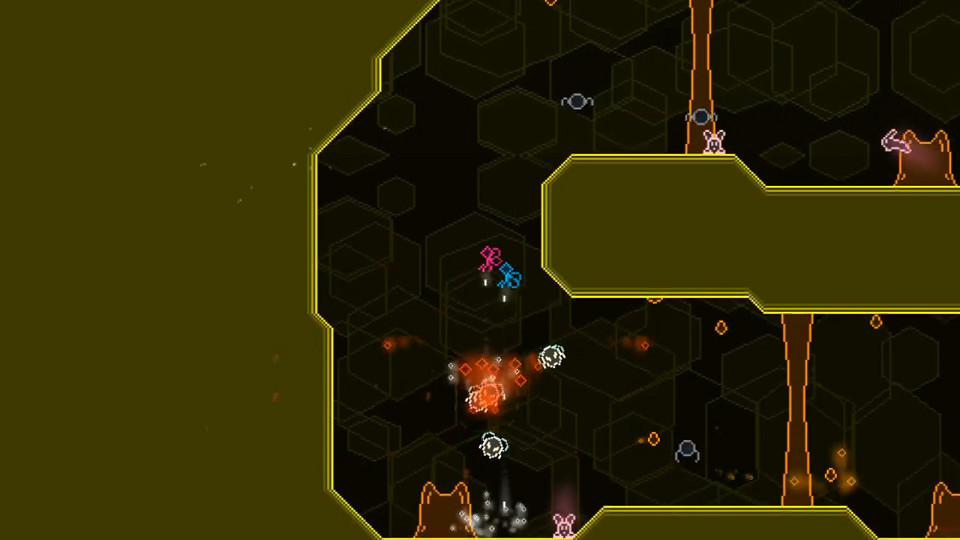
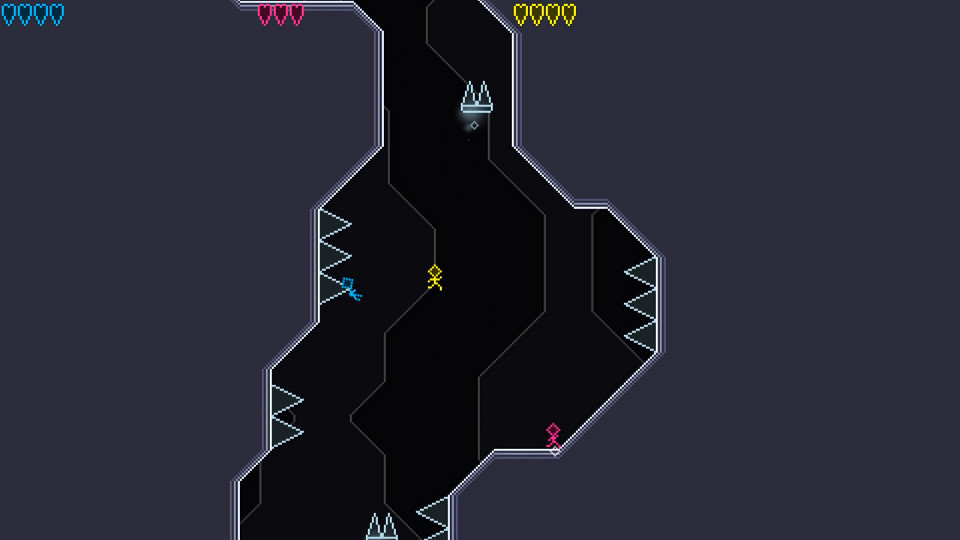
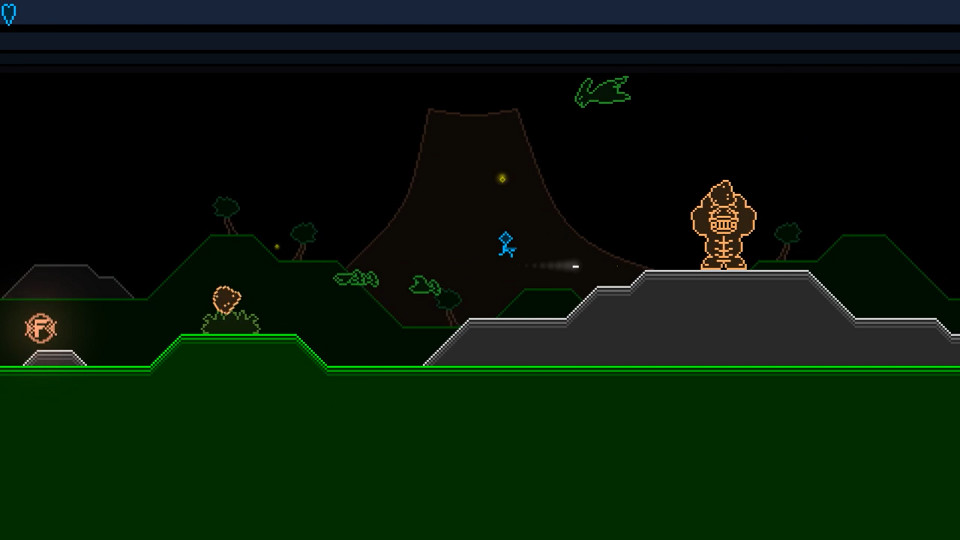
The Bits That Saved the Galaxy is a four player co-op platform shooter in the same vein as games like Contra, but utilizing lo-fi graphics and visual effects. You can also choose your own path through the game by selecting different planets leading to unique stages, each with their own gameplay and style. This game is a spiritual successor to one of my previous works, The Bits That Saved the Universe. Revisit the universe of bits with a new and improved art style, new engine and original soundtrack.
This is a complete overhaul of the original with all new planets and areas, but still keeping the same four-player co-op fun. Travel to different planets and engage in different environments, different play styles and unique enemies!
I'd strongly recommend using a gamepad, perferrably an XBox type controller, especially if you're playing with multiple people. The game will natively detect gamepads, but if it doesn't work, you can use a controller to keyboard mapping program like Joy2Key or AntiMicro.
If you have to use a keyboard, here are the controls:
PLAYER ONE:
Arrows - Move
X - Jump
C - Shoot
PLAYER TWO:
WASD - Move
N - Jump
M - Shoot
As always, good luck and have fun!
J.C.